Introduction
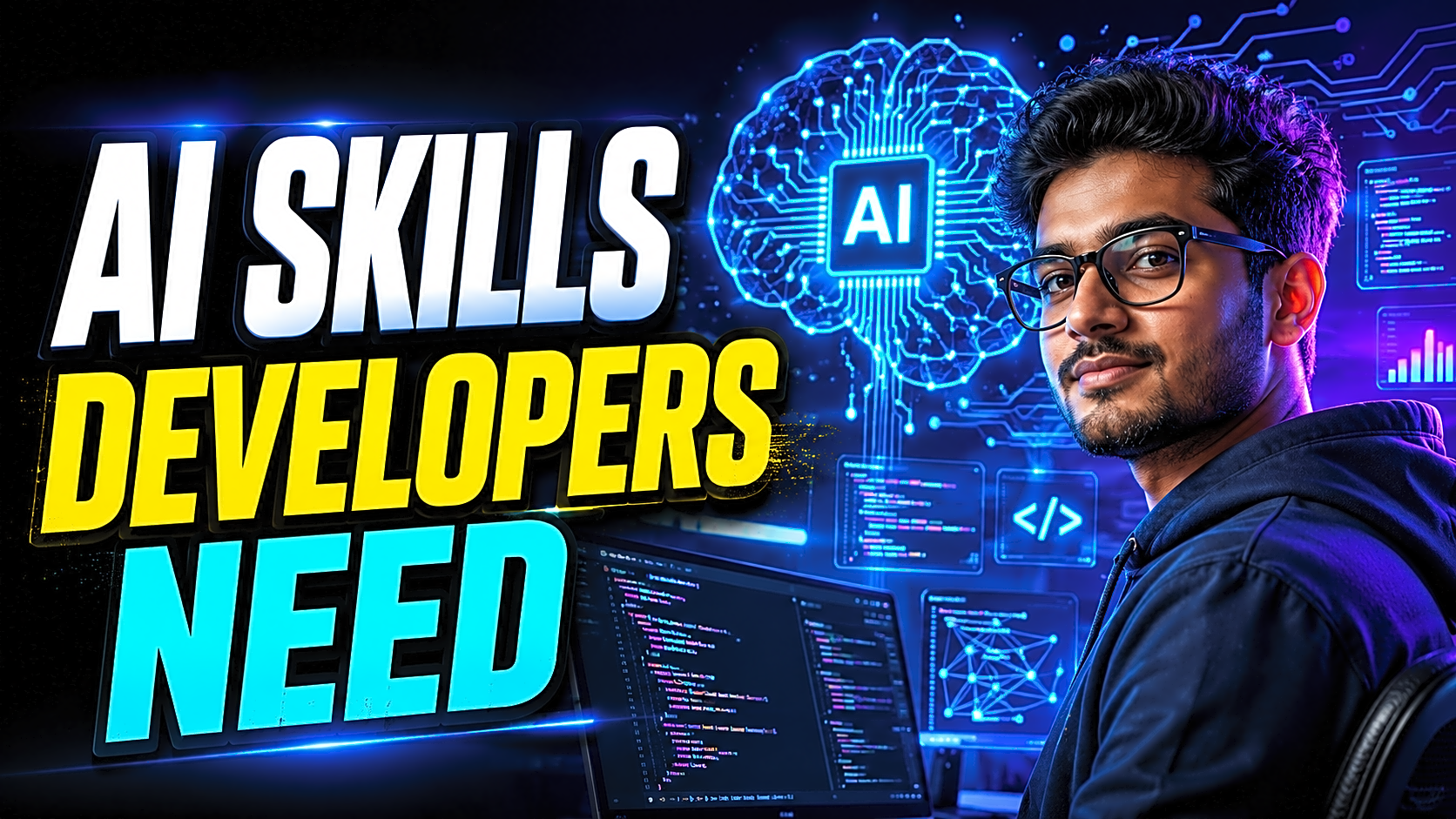
AI is no longer a separate career path only for data scientists. It is becoming part of everyday software development: coding, debugging, testing, documentation, deployment, project planning, and user support.
For students and freshers, this creates both pressure and opportunity.
The pressure is that companies now expect developers to work faster, understand AI tools, and build smarter applications. The opportunity is that students who learn the right AI skills can create stronger final-year projects, better GitHub portfolios, and more impressive resumes.
This guide explains the most important AI skills developers must learn in 2026, especially for B.Tech, BCA, MCA, BE, M.Tech, BSc, and MSc students in India. You will learn what to study, which tools matter, how to apply AI in real projects, and how to build a practical roadmap without getting lost in theory.
Quick Answer: What AI Skills Should Developers Learn in 2026?
Developers should learn prompt engineering, AI-assisted coding, machine learning basics, LLM API integration, data preprocessing, embeddings, vector databases, retrieval augmented generation, AI agents, AI testing, model evaluation, responsible AI, and deployment basics.
For students, the best strategy is not to learn everything theoretically. Learn each AI skill through practical projects such as chatbots, recommendation systems, resume screeners, fraud detection systems, AI study planners, document summarizers, PDF Q&A tools, and smart search systems.
Why AI Skills Matter for Developers
Software development is shifting from “write every line manually” to “design, guide, verify, and improve intelligent systems.”
A modern developer does not only write code. They understand requirements, choose tools, use AI assistants, review generated code, secure APIs, test outputs, and build user-focused applications.
For final-year students, AI skills help in three major ways:
- They make projects more modern and placement-friendly.
- They improve coding speed, debugging, and documentation.
- They help students explain industry-relevant skills during viva and interviews.
For example, a normal online notes management system can become stronger if it includes AI-based note summarization, smart tagging, or semantic search. A simple job portal project can become more impressive with resume ranking, skill matching, or chatbot-based support.
AI Developer Roadmap for 2026
|
Level |
Skills to Learn |
Best Project Direction |
|
Beginner |
Python or JavaScript, APIs, prompt engineering, GitHub |
AI chatbot, notes summarizer |
|
Intermediate |
ML basics, data preprocessing, LLM APIs, embeddings |
Resume screener, recommendation system |
|
Advanced |
RAG, vector databases, AI agents, testing, security |
PDF Q&A chatbot, college rulebook assistant |
|
Deployment-ready |
Docker basics, environment variables, logs, GitHub Actions |
Live AI web app with documentation |
Start with coding fundamentals first. AI cannot replace weak basics. A student who understands databases, APIs, authentication, and project structure will build better AI features than someone who only copies generated code.
1. Prompt Engineering for Developers
Prompt engineering means writing clear instructions for AI tools so they produce useful output. For developers, it is not just asking questions. It includes giving context, defining constraints, requesting structure, asking for test cases, and reviewing the result.
A weak prompt is:
“Make a login page.”
A better developer prompt is:
“Create a responsive login page in React with email validation, password visibility toggle, error messages, and clean component structure. Do not use third-party UI libraries.”
Prompt engineering helps with:
- Code generation
- Debugging errors
- README writing
- Test case creation
- Project explanation
- Resume bullet improvement
- Viva preparation
The real skill is not only getting an answer. The real skill is knowing whether the answer is correct.
2. AI-Assisted Coding and Code Review
AI coding tools such as ChatGPT, GitHub Copilot, and Cursor can help developers write functions, fix bugs, explain errors, and refactor code. But students should not blindly copy AI-generated code.
A good developer uses AI like an assistant, not like an autopilot.
Before accepting AI-generated code, ask:
- Is the logic correct?
- Does it match my database schema?
- Are there security risks?
- Are edge cases handled?
- Can I explain this in viva or interview?
AI-assisted coding becomes powerful when combined with strong fundamentals in programming, databases, APIs, authentication, and debugging.
3. Machine Learning Basics
Every developer does not need to become a machine learning researcher. But every modern developer should understand basic ML concepts such as datasets, features, labels, training, testing, classification, regression, accuracy, prediction, and evaluation.
Machine learning basics are useful for projects like:
- Student performance prediction
- Credit card fraud detection
- Disease prediction
- Stock price prediction
- Recommendation systems
- Sentiment analysis
- Fake news detection
The goal is to understand how data becomes prediction. Even if you use a simple algorithm like logistic regression, decision tree, random forest, or k-nearest neighbors, you should be able to explain the workflow clearly.
For final-year students, a simple ML project with clean data, good explanation, screenshots, and testing is better than an advanced model that cannot be explained.
4. LLM APIs and Generative AI Integration
Large language models are used in chatbots, document summarizers, content generators, coding assistants, search tools, and customer support systems. Developers should learn how to integrate LLM APIs into real applications.
Important concepts include:
- API keys
- Request and response format
- Tokens
- Context window
- System prompts
- User prompts
- Error handling
- Rate limits
- Cost control
A strong final-year project can use LLM integration for AI chatbot support, automatic report summarization, resume analysis, legal document explanation, or smart study planning.
Never expose API keys in frontend code. Use backend routes and environment variables to keep credentials secure.
5. Data Handling and Preprocessing
AI applications depend on data. If the data is poor, the output will also be poor.
Developers should learn how to collect, clean, format, and validate data. Important data skills include working with CSV, JSON, SQL, APIs, missing values, duplicate records, normalized text, and structured fields.
For example, if you build a resume screening system, your data may include skills, experience, education, job role, and score. If this data is not structured properly, the AI output will not be reliable.
Clean data makes AI projects easier to test, explain, and improve.
6. Embeddings, Vector Databases, and Semantic Search
Traditional search matches exact words. Semantic search understands meaning.
This is why embeddings and vector databases are becoming important in AI development. An embedding converts text into numerical form so similar meanings can be searched even when the exact words are different.
For example, a student searching “fee payment issue” may still find documents that say “online transaction failed.”
Useful tools in this area include FAISS, ChromaDB, Pinecone, and vector search features inside modern databases. These skills are useful for college ERP projects, helpdesk systems, library search systems, document management tools, and knowledge-base chatbots.
7. Retrieval Augmented Generation
Retrieval Augmented Generation, or RAG, is a method where an AI system first retrieves relevant information from documents or databases and then generates an answer based on that information.
This is important because a normal chatbot may generate answers without checking your actual data. RAG makes the output more grounded.
Student project examples include:
- College rulebook chatbot
- PDF question-answer system
- Legal document assistant
- Company policy chatbot
- Research paper summarizer
- Project report assistant
A basic RAG system usually includes documents, text chunks, embeddings, a vector database, a retrieval step, an LLM response, and a fallback message when the answer is not found.
8. AI Agents and Agentic Workflows
AI agents are becoming an important part of modern software development. An AI agent can plan steps, use tools, remember context, and perform actions based on user goals.
For developers, this means learning how to design controlled workflows instead of giving unlimited freedom to an AI system.
A simple agent workflow includes:
- User goal
- Planning step
- Tool selection
- Action execution
- Output review
- Human approval where needed
For student projects, agentic workflows can be used in task planners, study assistants, ticket support systems, and automated project documentation tools. However, agents must be tested carefully because they can make wrong decisions, call the wrong function, or produce unsafe output.
9. AI Testing, Evaluation, and Quality Control
AI output is not always correct. Developers must learn how to test AI features properly.
AI testing includes:
- Checking factual accuracy
- Testing multiple input examples
- Comparing expected and actual output
- Handling wrong or unclear responses
- Logging user queries and errors
- Creating fallback messages
- Testing safety boundaries
For example, if you build an AI medical symptom checker as a student project, you must clearly mention limitations and avoid giving final medical decisions. Responsible output design is part of good AI development.
10. Responsible AI and Security Awareness
AI systems can create privacy, bias, security, and misinformation risks. Responsible AI is especially important when projects involve student records, resumes, payments, health data, or personal documents.
Important practices include:
- Do not expose API keys in frontend code.
- Do not upload sensitive user data without permission.
- Add disclaimers where required.
- Avoid biased decision-making.
- Validate user inputs.
- Use access control for admin features.
- Protect logs and uploaded files.
Developers should also understand prompt injection, hallucination, data leakage, and unsafe output. These topics make your project more professional and help during viva or interview discussions.
AI Skills by Project Type
|
Project Type |
AI Skills Required |
Suggested Tech Stack |
|
AI Chatbot |
Prompt engineering, LLM APIs, testing |
React, Node.js, OpenAI/Gemini API |
|
Resume Screener |
ML basics, NLP, evaluation |
Python, Flask, scikit-learn |
|
PDF Q&A System |
Embeddings, vector DB, RAG |
Python, LangChain, ChromaDB |
|
Recommendation System |
ML, data preprocessing |
Python, Pandas, scikit-learn |
|
AI Study Planner |
LLM API, prompt design, database |
MERN stack, LLM API |
|
Fraud Detection |
Classification, model evaluation |
Python, Random Forest, Flask |
Implementation Guide: How to Learn AI Skills Step by Step
Step 1: Strengthen programming fundamentals.
Start with Python or JavaScript. Learn functions, arrays, objects, file handling, APIs, and database connectivity.
Step 2: Learn prompt engineering through coding tasks.
Use AI tools to generate functions, explain errors, create test cases, and improve README files. Always verify the result manually.
Step 3: Build one ML mini project.
Choose a simple dataset and build a prediction or classification project. Focus on understanding the workflow instead of chasing high accuracy.
Step 4: Add one AI feature to an existing project.
Take a library management system, job portal, notes app, or college ERP. Add chatbot support, summarization, recommendation, or smart search.
Step 5: Learn API integration.
Practice backend API calls. Learn environment variables, error handling, rate limits, and response formatting.
Step 6: Document everything.
Prepare README, screenshots, database structure, modules, testing, limitations, and future scope.
Step 7: Publish and deploy.
Upload the project to GitHub, add setup steps, and deploy it using platforms like Vercel, Render, Netlify, or cPanel depending on the stack.
Common Mistakes Students Should Avoid
Many students try to learn advanced AI before understanding basic coding. This creates confusion. Start with programming, database, and project structure first.
Another mistake is copying AI-generated code without understanding it. During viva or interviews, you must explain the logic clearly.
Students also build AI projects without proper data. A project with poor data and no testing looks weak even if it uses modern tools.
Some students expose API keys publicly. This is a serious mistake. Always use environment variables and backend-based API calls.
Practical CTA
Need an AI, Python, machine learning, or final-year project with source code, report, setup guide, screenshots, and viva-ready explanation? FileMakr provides ready-to-run project files and documentation support for students who want practical academic submissions.
FAQs
What are the most important AI skills for developers in 2026?
The most important AI skills are prompt engineering, AI-assisted coding, machine learning basics, LLM API integration, data preprocessing, vector search, RAG, AI agents, AI testing, and responsible AI practices.
Do developers need to learn machine learning?
Yes. Developers should understand basic machine learning concepts such as datasets, models, training, testing, classification, regression, prediction, and evaluation.
Is prompt engineering useful for software developers?
Yes. Prompt engineering helps developers generate better code, debug faster, write documentation, create test cases, and communicate clearly with AI tools.
Which AI skill is best for final-year projects?
LLM API integration, machine learning basics, and RAG are highly useful because they can be applied to chatbots, recommendation systems, summarizers, resume screeners, and smart search applications.
Which AI tools should developers learn?
Developers should explore ChatGPT, GitHub Copilot, Cursor, Hugging Face, LangChain, LlamaIndex, FAISS, ChromaDB, Pinecone, Docker, GitHub, and deployment platforms like Vercel or Render.
Can beginners learn AI development?
Yes. Beginners should start with Python or JavaScript, then learn APIs, data handling, simple ML models, LLM integration, and AI project deployment step by step.
What AI projects are good for a resume?
Good AI resume projects include AI chatbot, resume screening system, fraud detection system, recommendation engine, PDF summarizer, student performance predictor, fake news detector, and AI study planner.
Should students use AI coding tools?
Yes, but carefully. Students can use AI coding tools for support, but they must understand, test, and explain the code. AI should support learning, not replace learning.
Conclusion
AI skills are becoming essential for developers, especially students preparing for placements, internships, and final-year submissions. The best skills to learn in 2026 are prompt engineering, AI-assisted coding, machine learning basics, LLM APIs, data handling, vector search, RAG, AI agents, AI testing, security, and responsible AI.
The smartest way to learn is through projects. Choose a simple project, add one useful AI feature, document it clearly, publish it on GitHub, and prepare a strong explanation for viva or interviews.
Developers who can combine coding fundamentals with practical AI implementation will have a major advantage in 2026 and beyond.